Scene rollouts
A rollout is a method of limiting a Scene’s total or targeted audience by setting an adjustable percentage. iOS SDK 17.1+Android SDK 17.1+ ADD-ON
About rollouts
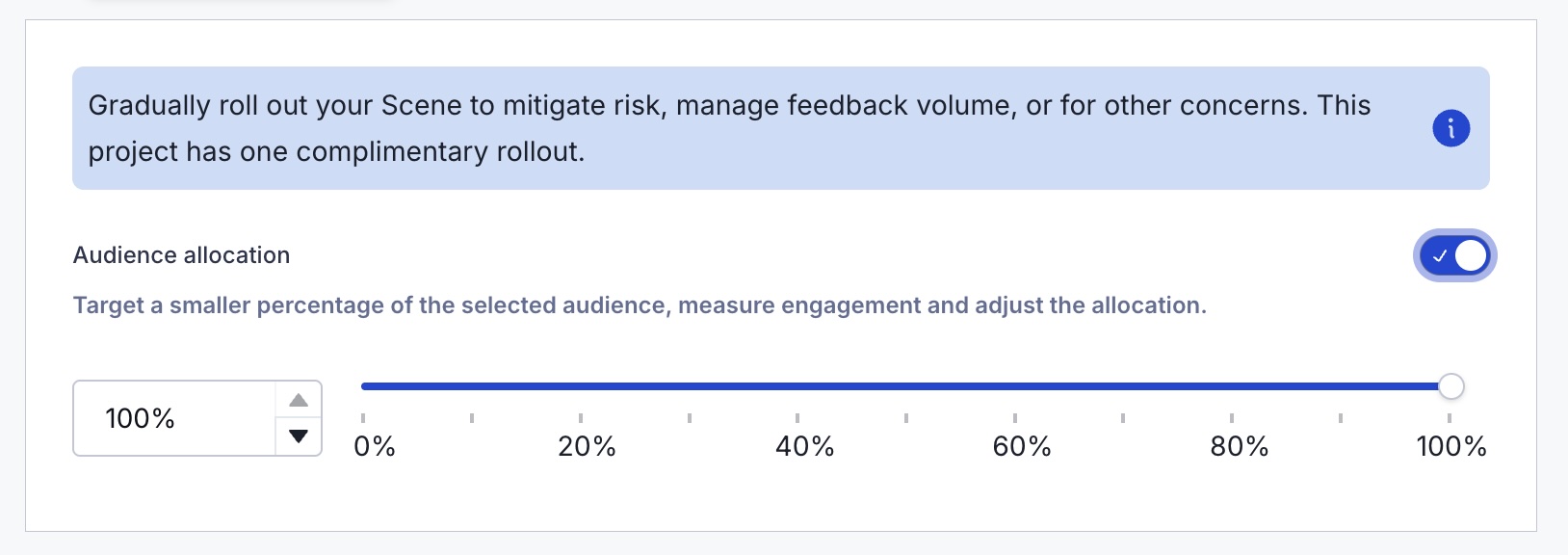
Gradually roll out your Scenes so you can effectively manage feedback volume, server constraints, or other concerns. For example, retailers can put this to work when announcing a new loyalty program or sales offer. Start with a limited audience, then increase it as your customer service team adapts to the changed workflow or as you add staff to handle the increased workload.
When configuring your audience, you can limit by percentage. For example, with a limit of 10%:
- When targeting all users, 10% of your total number of users are included in the audience.
- When targeting specific users, 10% of the users who meet the set conditions are included in the audience.
Audience members are randomly selected. You can change the percentage at any time.
Reports
The day’s percentage appears in the Scene’s message report. If the setting was changed that day, it appears as a percentage range. See Engagement Over Time in the Performance section of Scene Reports.
Usage data is available in the dashboard. See View Feature Flag and Scene Rollout usage.
Getting started with rollouts
Rollouts for Scenes require the Feature Flags add-on for your Airship plan. However, all AXP plans include one complimentary rollout to try the feature.
You can set up a rollout in the Audience step of a Scene.