Landing pages
Direct users to a landing page when they interact with your message.
About landing pages
A landing page is a page within your app that can include rich content, such as HTML and video, without requiring any additional UI customization to enable the view or to provide an inbox to store the messages.
You can configure a Push NotificationA message that can appear on any screen on a mobile device. Push notifications appear as banners. or In-App MessageA message that appears inside of your app. You can send in-app messages to your entire app audience, not just users who have opted-in to push notifications. The standard format, as opposed to In-App Automation, is a banner that slides downward or upward from the top or bottom of a device screen. to open a landing page when a user taps the message. In reporting and other areas of Airship, a landing page may be referred to as a rich page.
Appearance and behavior
Landing pages appear as an overlay, with an X icon () to close/delete. They open when a user taps a push notification or in-app message. Landing pages are not PersistentMessage content that remains available even if the alerts for the message are dismissed. For example, Message Center, email, and SMS content can be viewed in the app’s Message Center, email inbox, or the device’s native SMS client until the message is deleted by its recipient. Non-persistent message types become unavailable when users dismiss them. A message’s linked content, e.g., a web link, deep link, an Apple News story, remains available as determined by the source host..
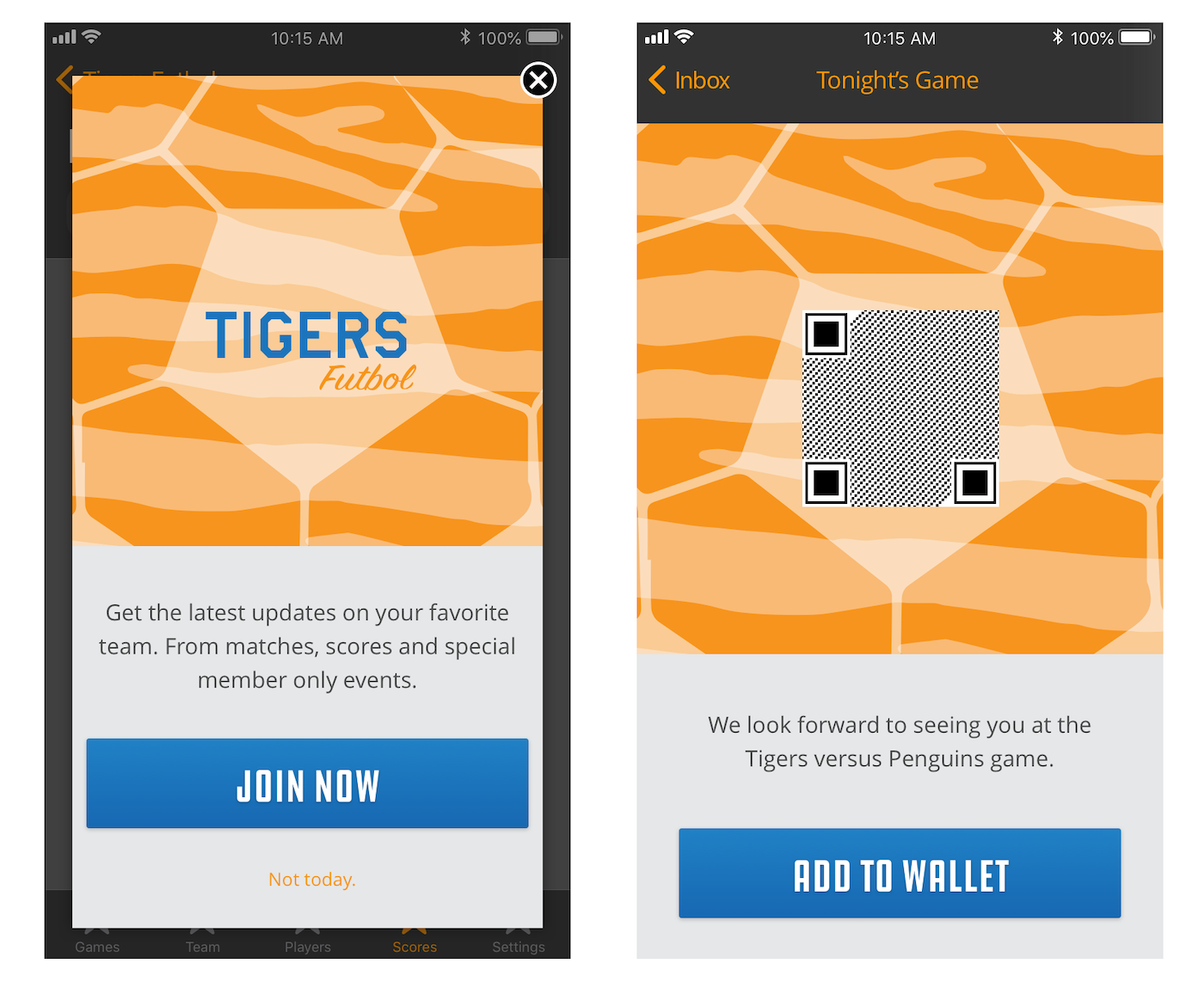
You can create landing page content using these methods:
- Self-hosting — Store content on your own server and provide an HTTPS URL for the content when creating a message. URLs support personalization.
- Upload — Upload your own HTML.
- WYSIWYG — Design using our WYSIWYG editor. Airship supplies several default layouts, and you can save the layouts you create.
Also, Airship can create custom landing page templates for you. Contact your Airship account manager if you are interested in adding custom templates to your project.
Getting started with landing pages
Follow these steps to start using landing pages with Airship:
- Configure mobile channels in your project settings See Configuring Mobile Channels in the Getting Started guide.
- Integrate the Mobile SDK with your app See SDK setup for mobile apps in our developer documentation.
Once your project is set up, you can start creating landing page content.